Convert Text to Speech
Convert text to speech in seconds with Speaktor's AI voice generator. Paste text or upload a document and turn it into natural-sounding audio in 50+ languages, with instant MP3 and WAV download and no signup required.










Trusted by individuals at
Teams and professionals at leading companies use Speaktor to convert text to speech every day.
Explore AI Voices to Match Your Story
From soothing ASMR to dramatic narration, hear how Speaktor's realistic text to speech voices capture any emotion, character, and language. Tap any card to listen.
Why Choose Speaktor for Text to Speech?
The most powerful free AI voice generator. Turn any text into speech with natural human delivery and instant MP3 download, without watermarks or limits.
How to Convert Text to Speech
Convert text to speech in four simple steps: select a voice, add your text, generate the audio, and download the MP3 in just a few clicks.
1. Set Text to Speech Voice Options
Choose how your text should sound before you convert it. Voice selection happens in the panel: language, accent, gender, emotion, speed, and pitch decide how the finished audio plays back.
What people actually use text to speech for
From a product demo to a whole catalogue of audiobooks, discover the many ways free text to speech turns written content into audio people actually listen to.

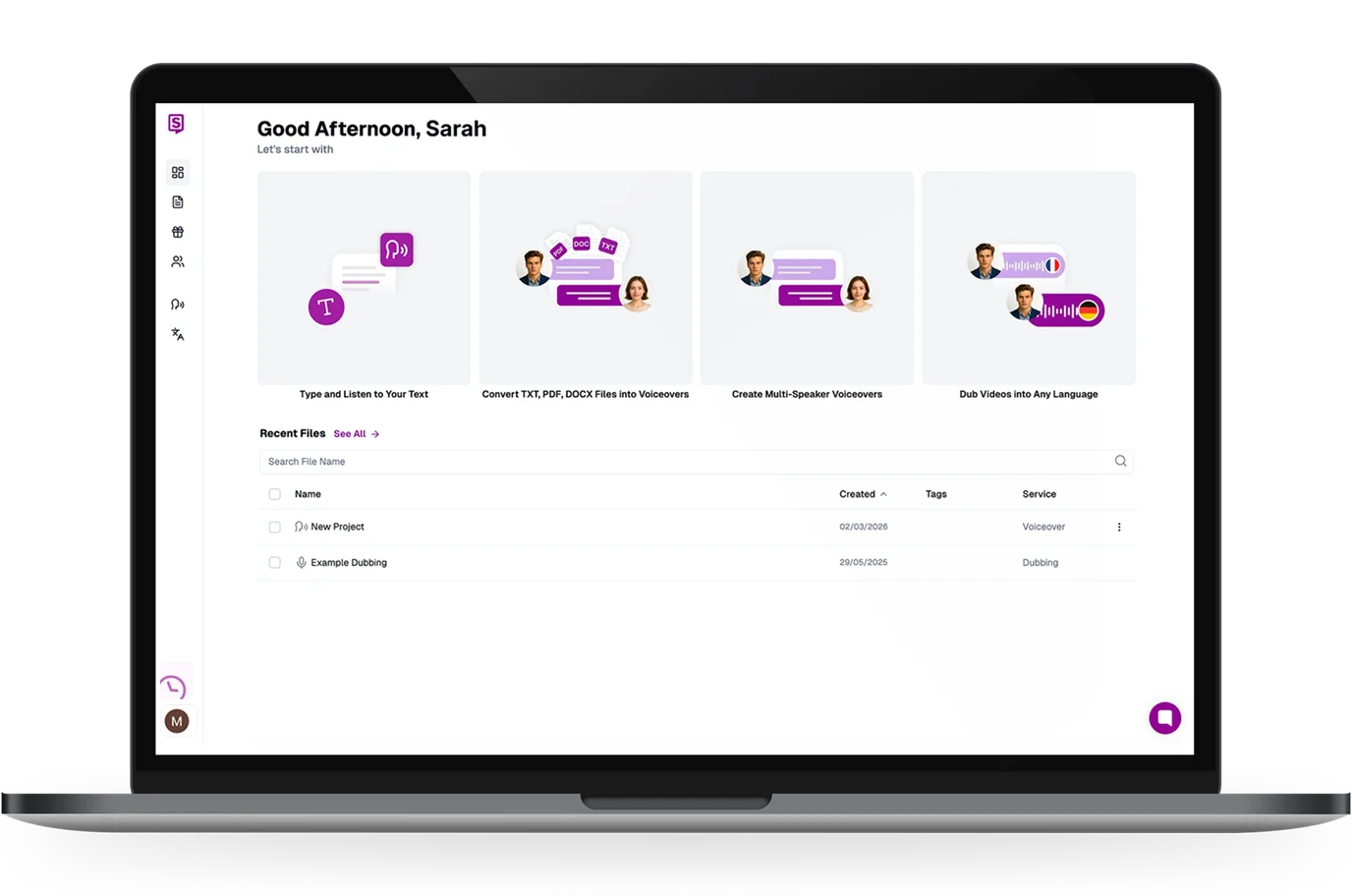
Convert Text to Voice for Windows, Mac, iOS and Android
Text to speech runs anywhere you do, right from your browser, as a desktop app, or on the go, so you can convert text to voice online with no software to install.
Use text to speech online in any browser on Windows or Mac. Nothing to download: paste your text, pick a voice, and generate audio instantly.
AI Text to Speech Trusted by Millions Worldwide
The highest-rated AI voice generator on the major review platforms. See why creators, students, and teams choose Speaktor to convert text to speech.
Trustpilot Reviews
Speaktor is an advanced text-to-speech…
Speaktor is an advanced text-to-speech platform designed to convert written content into natural-sounding speech with just a few clicks. It supports multiple languages and voices, making it ideal for users looking to improve accessibility, create audio versions of their content, or enhance learning experiences. Whether you're a student, content creator, or business professional, Speaktor offers a user-friendly and efficient solution for turning text into lifelike audio.

Mohammad Ramish
Frequently Asked Questions About Text to Speech
Everything you need to know about text to speech, AI voice generation, pricing, downloads, and supported languages.
Text to speech (TTS) is a technology that converts written text into spoken audio using a synthetic or AI-generated voice. Speaktor reads any text you paste or upload aloud, so you can listen to articles, documents, and scripts instead of reading them.
Latest Updates from Speaktor
Everything you need to know about text to speech, AI voice generation, pricing, downloads, and supported languages.


Ready to Convert Text to Audio?
Start free with no signup and no watermark. Paste your text, pick a voice, and download natural-sounding speech in seconds.